Engagements Page
After requests have been filled (workers added, financials configured, contracts signed),
they are converted to engagements. You can view engagement data on the
Engagements page.
Restriction:
Only users with the
'Vendor on Premises' permission on their account can modify engagement
data.
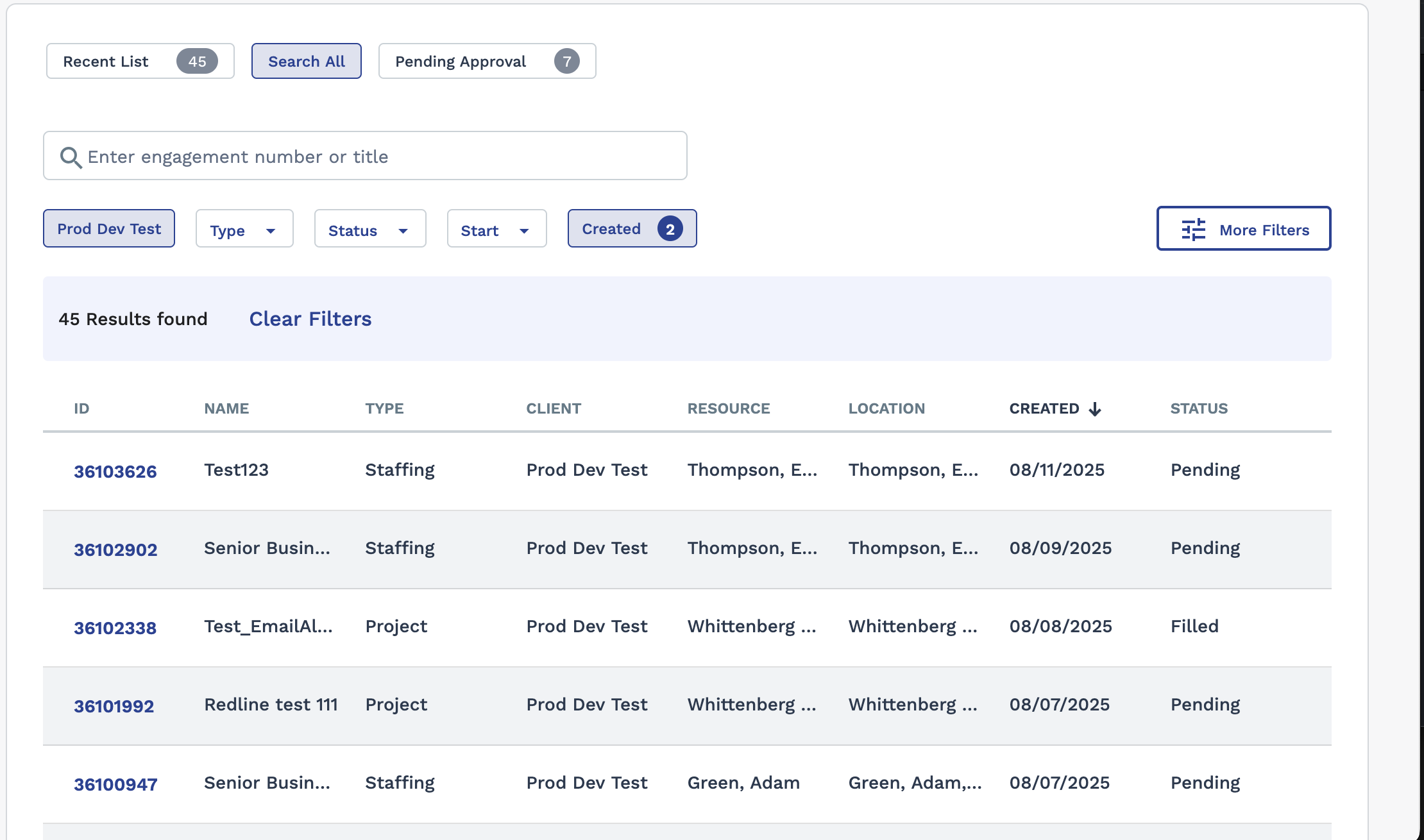
You can use the same filter functionality as the Requests page
(see Searching Through Requisition Data).
Note:
If you are modifying the Start Date or
Estimated End Date for a project worker engagement, you
can use effective dating. Field changed are not applied until the effective
date.
If your program is using an approval routing configuration that requires approval for revisions to existing engagements, modifying any values prompts you to enter a revision reason in a text field. A revision reason is required for each saved revision, and is visible to approvers.