Supplier Acceptance
If a client organization that you have an agreement with is using the Supplier Acceptance workflow, you see a notification in the Action Items section on the Home page.
The Supplier Acceptance workflow allows for a review process of all request details before it is converted to an engagement. Revisions to the original information on the request must also be reviewed and accepted by your supplier/vendor organization before conversion. If your organization rejects the engagement details, the client organization or MSP must modify and resubmit the details for acceptance.
Email notifications are sent when details are available for review. The engagement information also displays a badge at the top of the Gen Info tab.

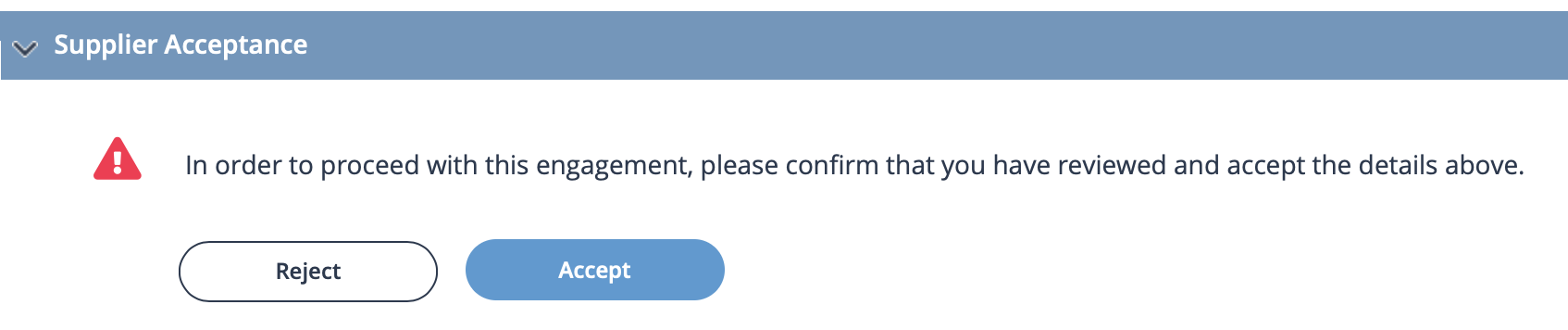
To accept or reject information, in the Supplier Acceptance section of the details, use the action buttons.
Awarded Quote
If your supplier organization is awarded a quote that was defined in an SOW document,
you accept the award by clicking Accept. Once accepted, the
quote status is set to Award Accepted, and the engagement
created.
If eSigning is enabled, the system notifies you on the dashboard. You receive the link to the electronic SOW document via email.
If you reject the awarded quote, you must provide a reason from the displayed list in the drop down. The Program Representative and client organization are notified via email if the awarded quote is rejected.