Notes can be added to a requisition or engagement, allowing you to communicate with those
interested parties directly within the application. Additionally, you can set up email
notifications for the interested parties when a note is added or modified. The
notification functionality allows you to determine what groups receive emails when
information is changed/added to a note for a request, worker, and so on.
Note:
Email notifications for notes now include the full note text and a direct link to the entity (request, engagement, worker profile, or on/off boarding item), allowing recipients to view the note immediately without logging into the system.
Note:
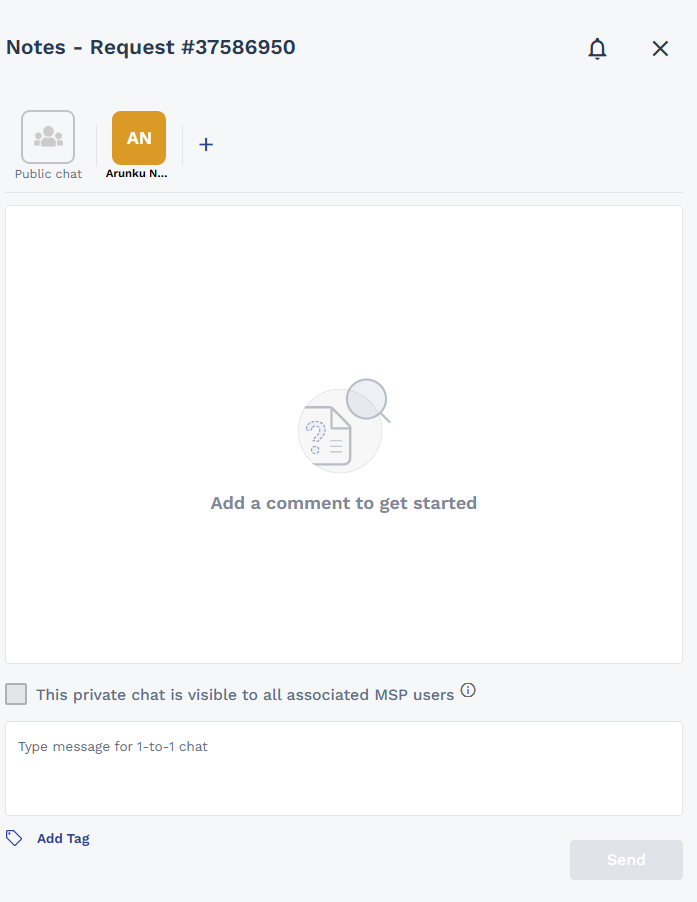
Private (1-1) communication is now available in the Notes Widget for sensitive discussions on Requests. You can initiate private conversations between MSP-Supplier and MSP-Client pairs. This ensures compliance with regulatory requirements and keeps sensitive information within the platform. Private communication on engagements, worker profiles, and on/off boarding items is not currently supported.
Note:
MSP users can now share private 1-1 chats with other associated MSP users. By default, all chats created by MSP users are visible to other associated MSP users to allow colleagues to cover accounts during absence. Chats created by Supplier or Client users remain private by default (visible only to assigned participants). A warning message This private chat is visible to all associated MSP users displays when a chat is shared. MSP users can control chat visibility and email notification recipients for chats they created or received.
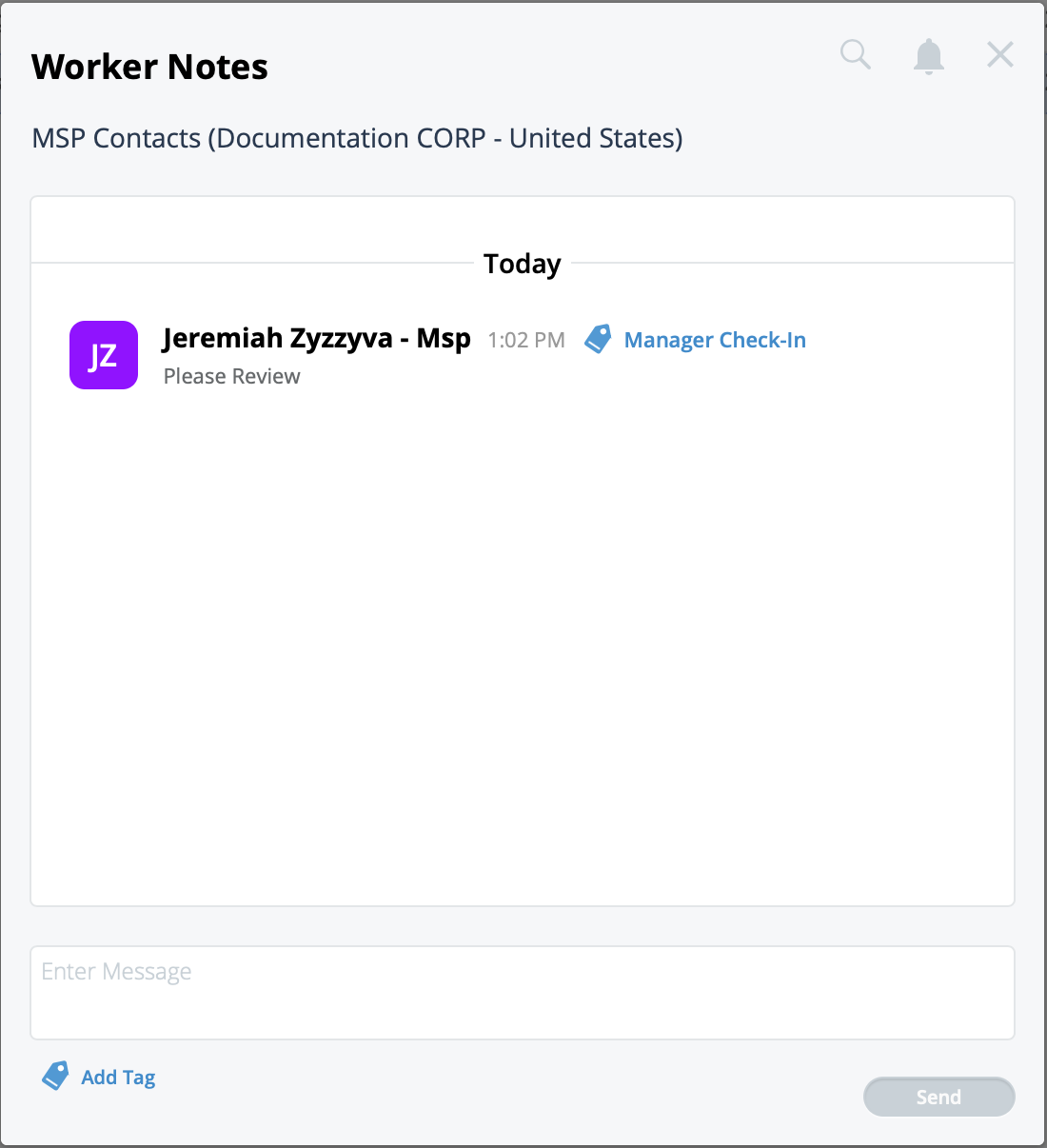
Notes are added in a Notes pop-up. The pop-up captures all notes,
and the person that added the note. The Notes widget displays both public chat and private 1-1 conversation tabs, allowing you to manage sensitive communications separately.
Notes are enabled at the module level. You can configure notes for requests, engagements,
worker records, or on/off boarding items. For more information about adding notes for a
module, see Add Notes for a Module.